Practical Assignment – HTML Programs (Part 1)
Objective
Complete the following HTML programs to understand webpage creation, formatting, lists, folders, and linking between webpages.
Section 1: Basic HTML Programs
- Create a webpage with the title “CAPSCOM TECHNOLOGY COMPUTER EDUCATION”.
- Create a webpage containing a meta description tag.
- Define the webpage language as English (en).
- Create a webpage with background color Sky Blue.
- Create a webpage and save it with the name Register.html.
- Create a webpage named about_us.html inside a folder named project.
- Create a webpage that displays the text “New Blog” with the following formatting:
- Font Color: Red
- Font Face: Jokerman
- Font Size: 4
- Create a webpage that displays the chemical formula H₂SO₄ correctly.
- Create a webpage containing a paragraph of more than 250 words.
- Display the text “CAPSCOM TECHNOLOGY” in:
- Bold
- Italic
- Underline
- Display the mathematical formula:
- (a + b)² = a² + 2ab + b²
- Insert a horizontal line with color Orange and set the webpage background color to Navy Blue.
Section 2: List-Based Programs
Question 1: Fruits List
Create a list of fruits as shown below:
- Mango
- Apple
- Grapes
- Papaya
- Orange
Question 2: Student Details List
Create a list containing the following student details:
Ajay
- Address: Almora
- Mobile: 7579237515
- Country: India
Rama
- Address: Almora
- Mobile: 7579237515
- Country: India
Umesh
- Address: Almora
- Mobile: 7579237515
- Country: India
Ankit
- Address: Almora
- Mobile: 7579237515
- Country: India
Prakash
- Address: Almora
- Mobile: 7579237515
- Country: India
Question 3: eCommerce Product List
Create a list of eCommerce products with the following details:
Product | Price (₹) | Quantity |
|---|---|---|
Mouse | 250 | 10 |
Monitor | 4500 | 3 |
Printer | 9000 | 4 |
UPS | 12000 | 4 |
CPU | 15000 | 2 |
Keyboard | 340 | 10 |
Modem | 2200 | 2 |
Laptop | 35000 | 2 |
Mobile | 12000 | 6 |
Camera | 85000 | 1 |
Section 3: Programs Based on Path
Project Directory Structure
Create the following folder structure:
Tasks
- Create a link from about_us.html to home.html.
- Create a link from home.html to gallery.html.
- Create a link from gallery.html to about_us.html.
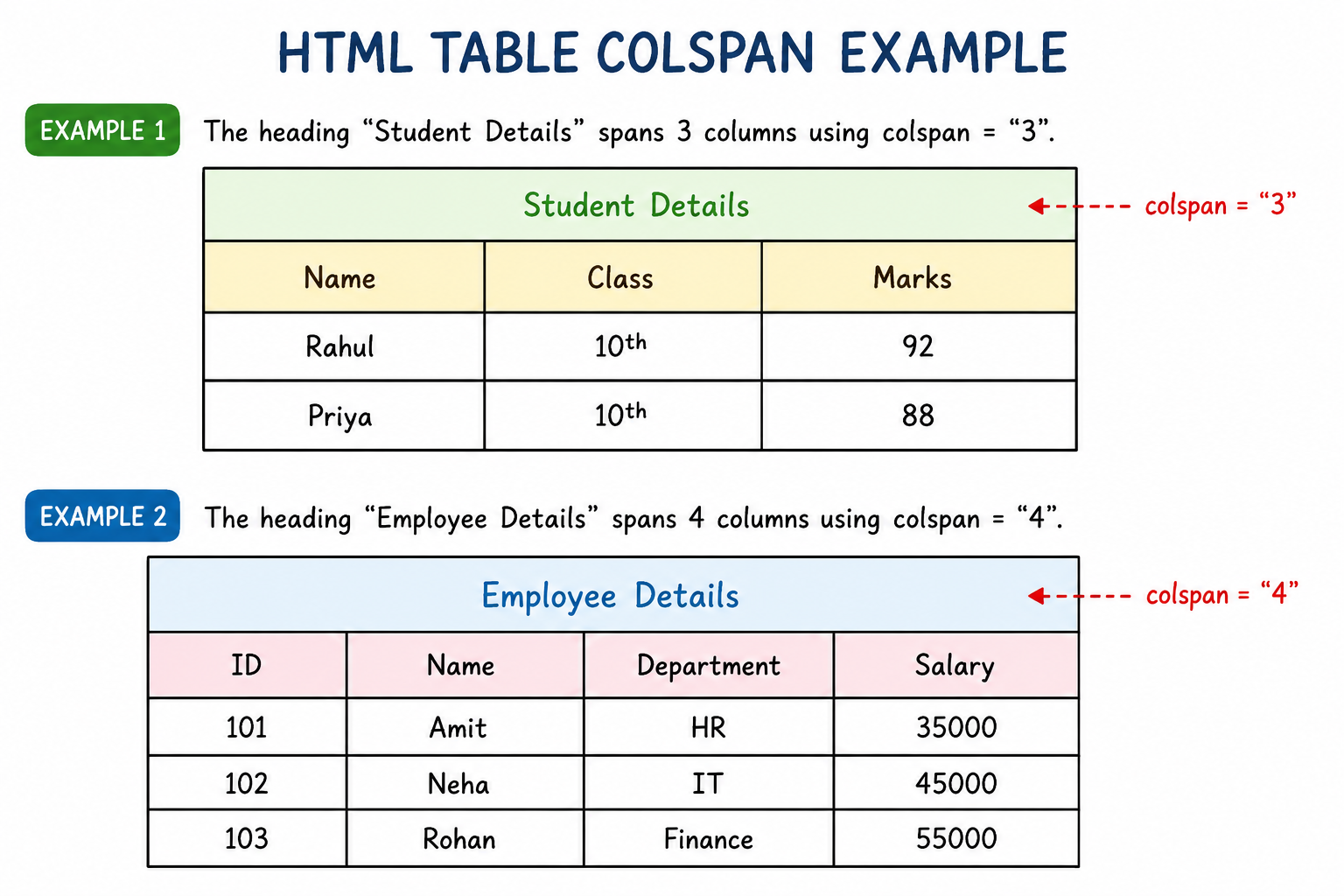
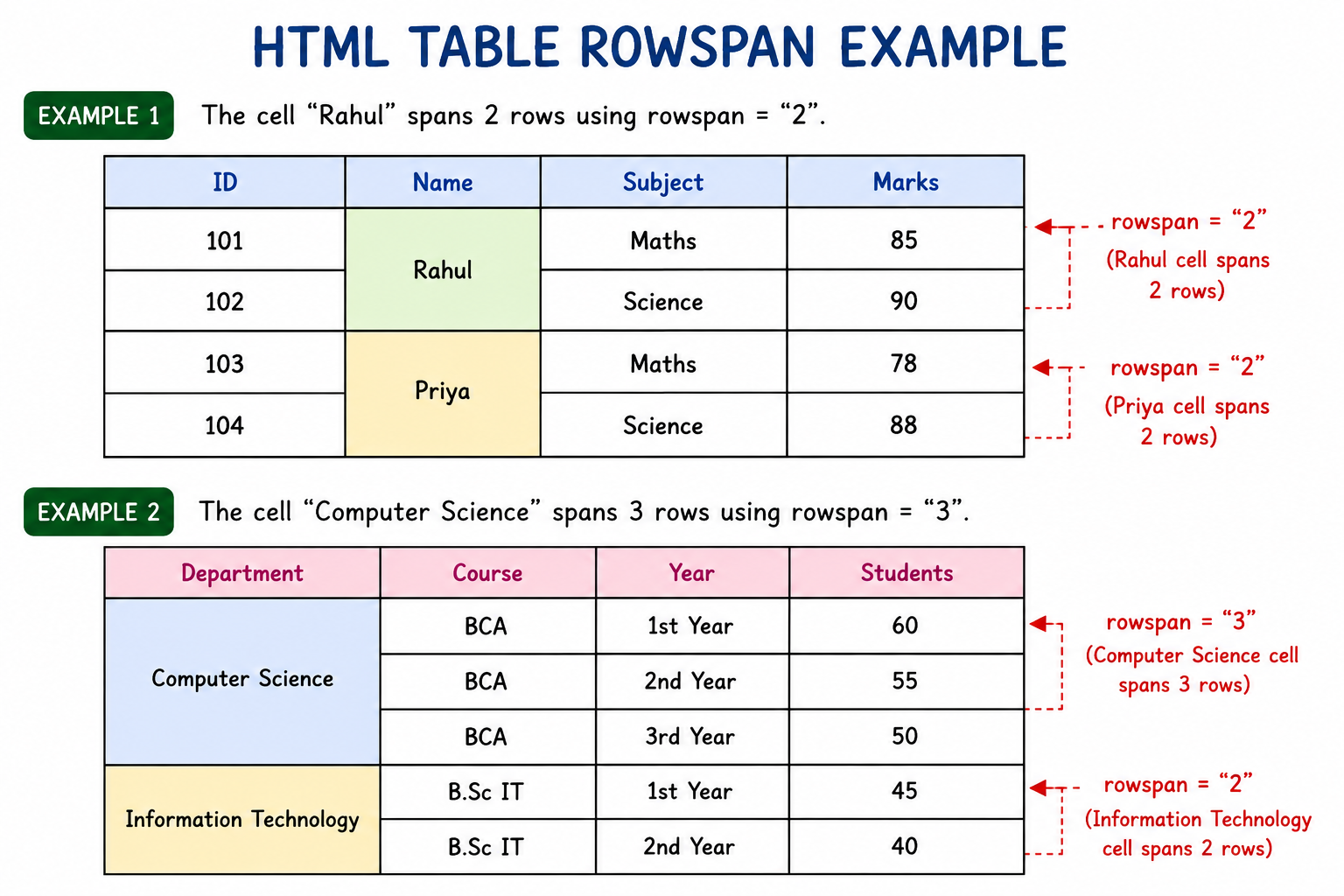
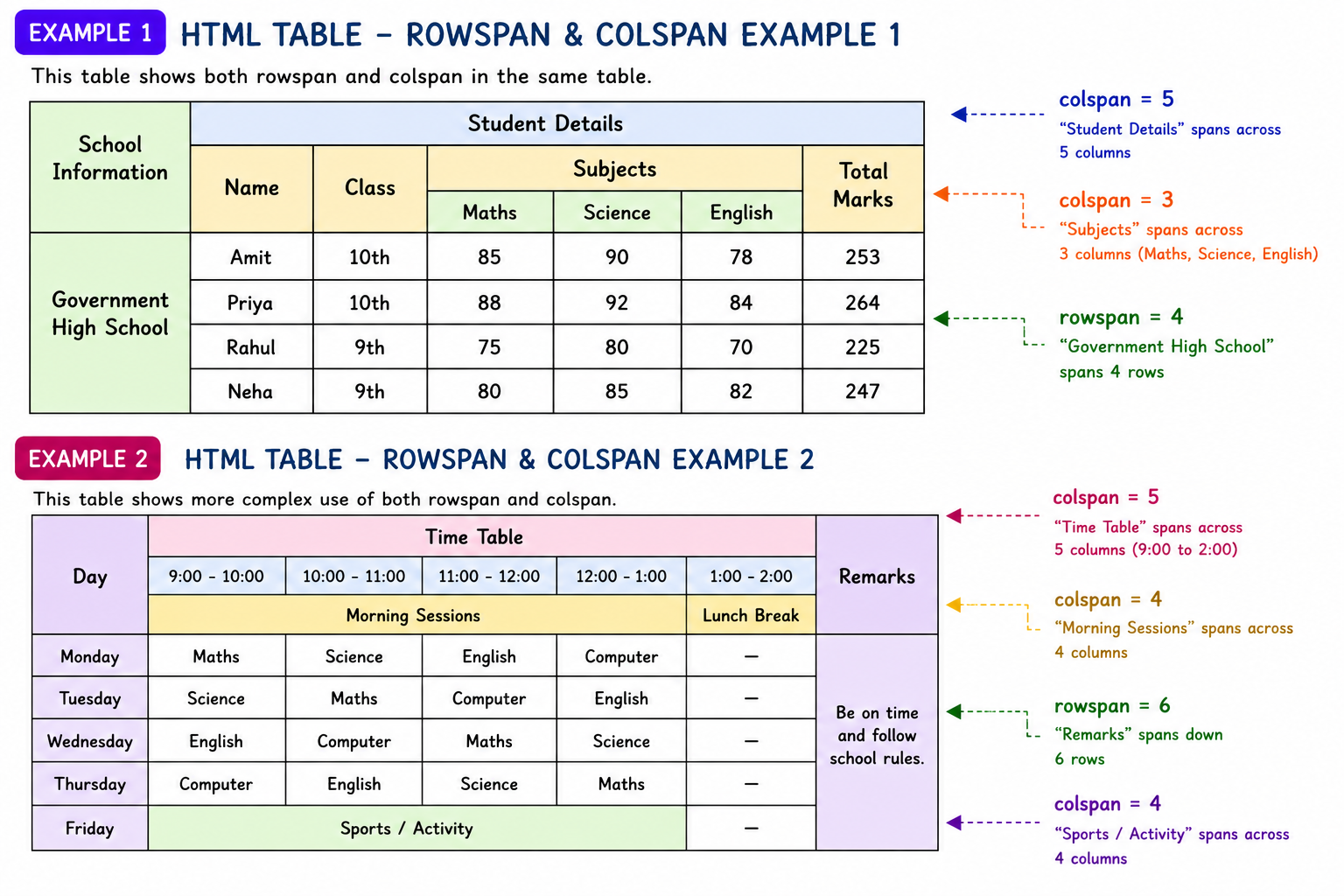
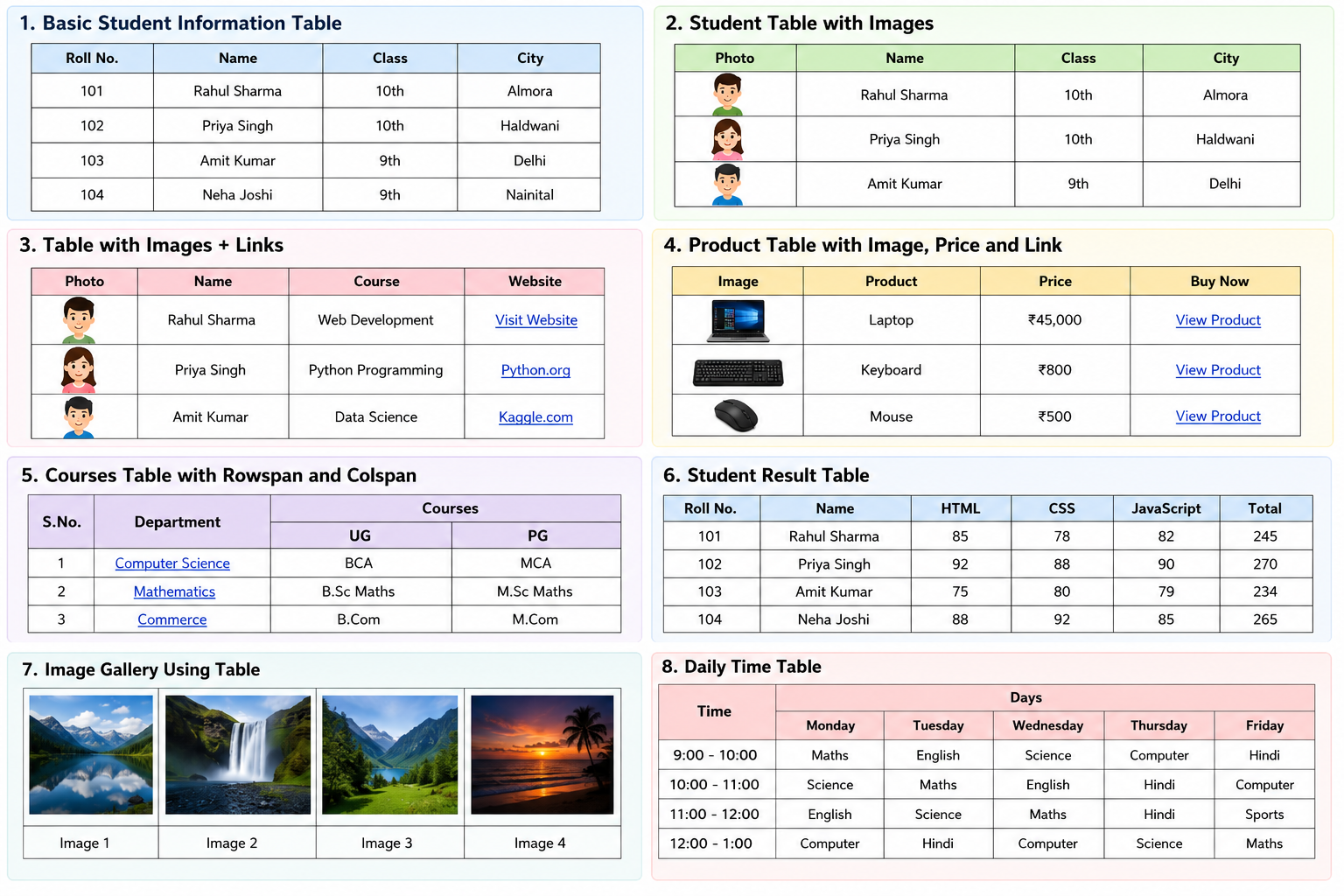
Table Practice Programs
Program 1: Product Table
Name | Price | Qty |
|---|---|---|
LG Monitor@23 | 12000 | 10 |
Acer UPS@90 | 9000 | 90 |
HP Printer@450 | 8400 | 15 |
Program 2: Student Marks Table
Student Name | Hindi Marks | English Marks | Science Marks | SST Marks | Math Marks |
|---|---|---|---|---|---|
Pankaj Singh | 89 | 88 | 43 | 90 | 90 |
Ajay Prasad | 90 | 23 | 87 | 65 | 92 |
Practical Assignment – HTML Programs (Part 2)
Objective
Complete the following practical exercises to understand static website creation and HTML forms.
Section 4: Static Website Using HTML Only
Create a static website using HTML only.
Folder Structure
- Create a parent folder named Project.
- Inside the parent folder, create a child folder named images.
- Under the parent folder, create the following HTML pages (all pages must be siblings of the folder):
- index.html
- about_us.html
- our_team.html
- gallery.html
Index Page Requirements
The index.html page must contain:
- One Heading (H1) with the main title
- One image
- Three paragraphs
- Each paragraph must contain more than 400 words about any topic/object
About Us Page Requirements
The about_us.html page must contain:
- One Heading (H1) with the main title
- One image
- One long paragraph about an organization or any topic
- Paragraph length must be greater than 1000 words
Gallery Page Requirements
The gallery.html page must contain:
- Minimum 20 images arranged properly
- Every image must have a meaningful alt attribute
- Image size must be:
- Width: 25%
- Height: 220px
Navigation Requirement
All webpages must be linked with each other so users can navigate without manually typing page URLs.
Section 5: Form-Based Programs
Question 1: Basic Registration Form
Create a form with the following fields:
Field Name | Type | Required Attributes |
|---|---|---|
First Name | Text | name, value, required, id |
Last Name | Text | name, value, required, id |
Email ID | name, value, required, id | |
Mobile Number | Number | name, value, required, id |
Submit Button | Submit | value="Sign Up", name="sign_up" |
Notes
- The value in the
nameattribute must use an underscore (_). - Every input field must have a label.
- Each label’s
forattribute must match the corresponding input field’sid.
Question 2: Select Dropdown Form
Create a form with the following field:
Field Name | Type | Required Attributes |
|---|---|---|
School | Select | name, required, id |
Notes
- Add at least 5 school options.
- The 4th option must be selected by default.
Question 3: Radio Button Form
Create a form with the following field:
Field Name | Type | Required Attributes |
|---|---|---|
School | Radio | name, value |
Notes
- Include at least 5 school names as radio options.
Question 4: Textarea Form
Create a form with the following field:
Field Name | Type | Required Attributes |
|---|---|---|
Write Something About You | Textarea | name, rows="5", cols="80", id, required |
Question 5: Advanced Student Information Form
Create a form with the following fields:
Field Name | Type | Required Attributes |
|---|---|---|
Student Name | Text | name, value, id, required, placeholder |
Father Name | Text | name, value, id, required, placeholder |
Date of Birth | Date | name, id, required |
Mobile Number | Number | name, id, required, placeholder |
Local Address | Textarea | name, id, required, placeholder |
Permanent Address | Textarea | name, id, required, placeholder |
Choose Religion | Select | name, id, required |
Name on Debit Card | Text | name, id, required, placeholder |
Debit Card Number | Number | name, id, required, placeholder |
CVV | Number | name, id, required, placeholder |
Favorite Color | Color | name, id, required |
Favorite Food | Checkbox | name, value (minimum 2 checked) |
User Profile | File | name |
Email ID | name, id, required, placeholder | |
Favorite Cars | Checkbox | name, value (minimum 1 checked) |
Feedback Message | Textarea | name, id, required, placeholder |
Country | Text | name, id, required, placeholder, readonly |
State | Text | name, id, required, placeholder, disabled |
Additional Requirements
- Use proper labels for every form field.
- Use placeholders wherever required.
- Ensure the form layout is neat and user-friendly.